Your Own AI Voice: How to Create a Digital Voice Copy and Where to Use It
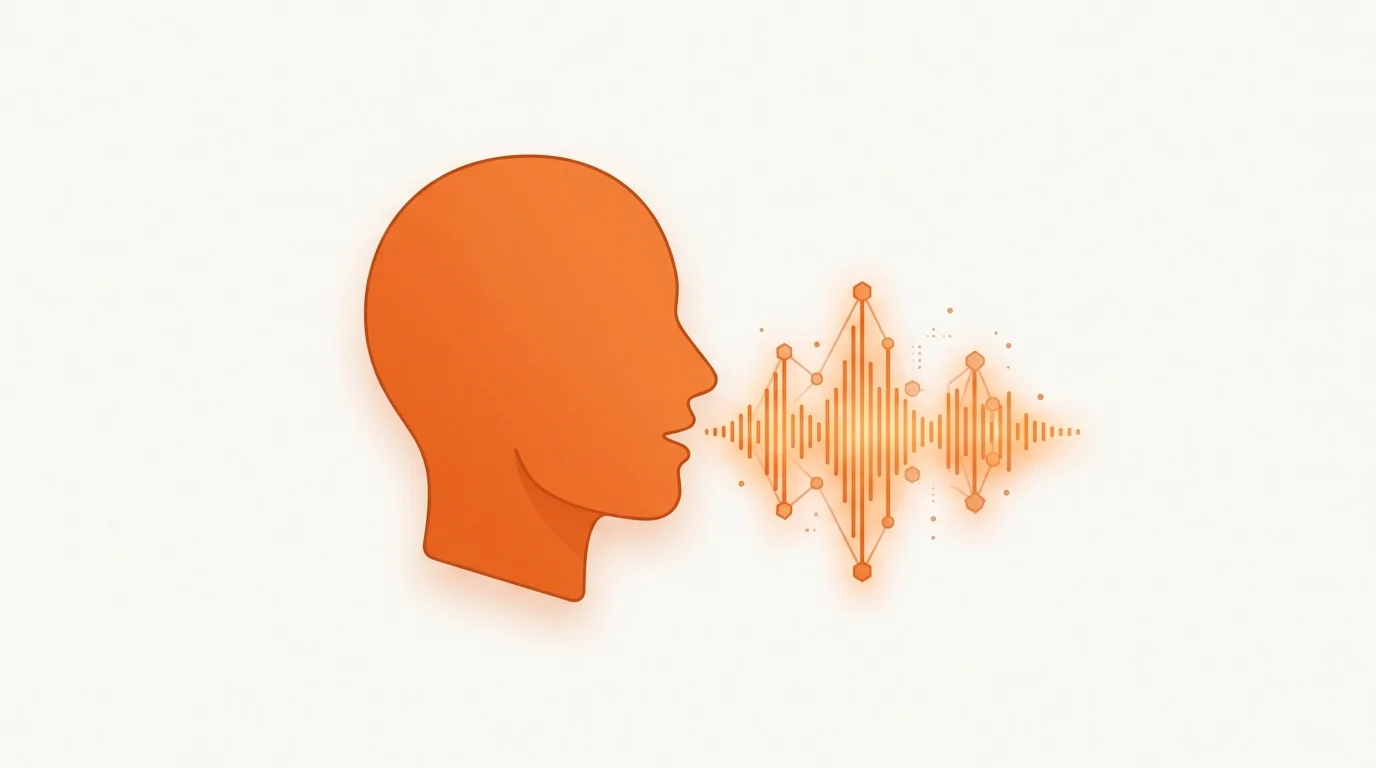
Your own voice means recognition and saved time: create a digital copy of your voice with AI once, and from then on you voice your content without recording again. Let's look at how to make a copy of your voice, where it comes in handy, and what matters most about consent and rights.
What a digital voice copy is
It is a custom voice model that the system builds from a short sample of your speech. After that, any text is read in that timbre — an online AI voice that sounds like you, but without a microphone or studio. In HancVoice such a voice is private: it is available only in your account until you choose to submit it to the Marketplace for review.
How to create your voice: the steps
1. Record a clean sample
A microphone recording or a ready file will do. What matters is clean speech with no music or noise in the background. The more even and natural the sample sounds, the more accurate the copy.
2. Create the voice
In the voice creation wizard, upload the sample, give it a name and a language. Processing takes a couple of minutes, after which the voice appears in the catalogue marked "Mine".
3. Refine the sound
Presets let you remove noise and echo, even out the volume, and save several styles — for example, a calm one for tutorials and a lively one for ads.
Important: consent and voice rights
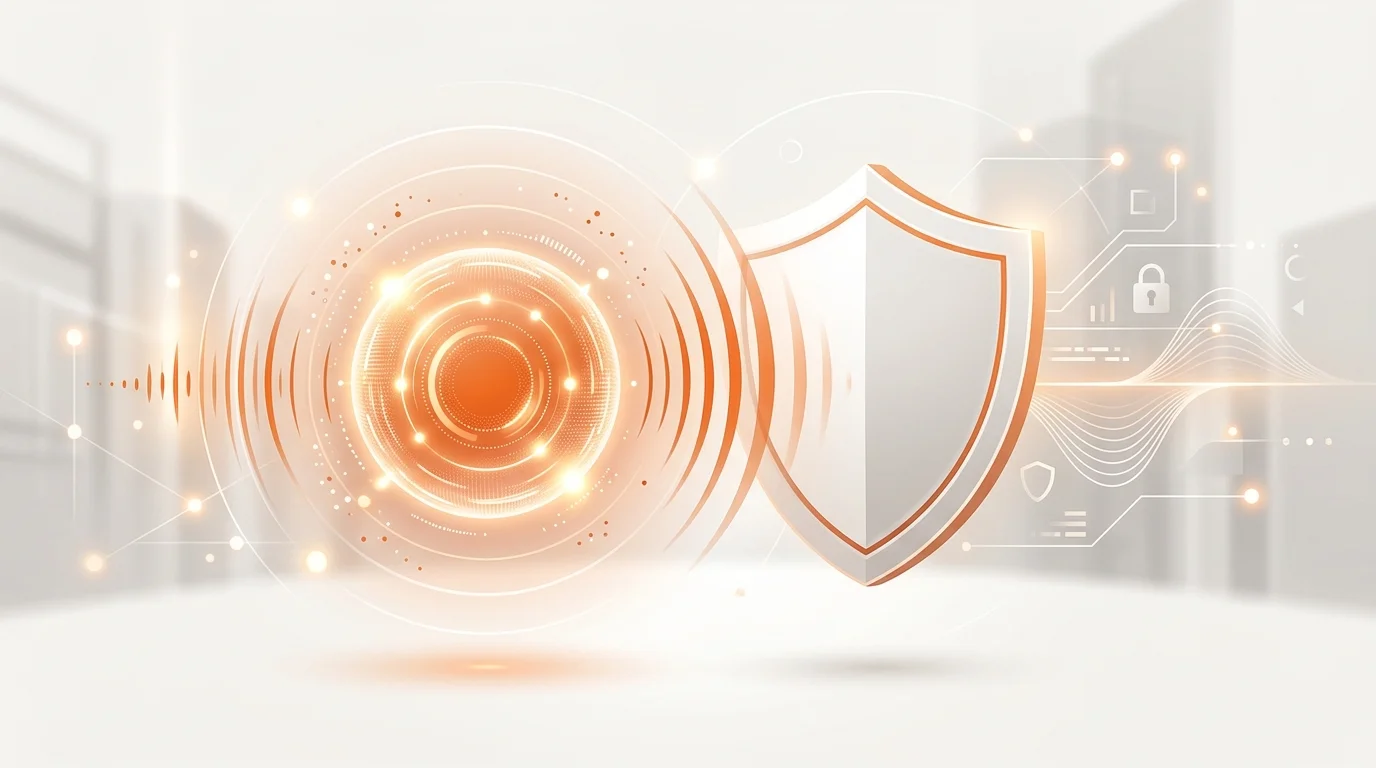
A voice counts as personal data protected by law, so you may only create a copy of your own voice or a voice you have permission to use. You cannot upload someone else's voice without consent — this is both a platform requirement and a legal position (we cover voice protection in more detail in our piece on the 2026 trends).
Where to use your voice
- Blog and video: voice clips for YouTube and social media with no re-recording.
- Courses: update lessons in the same voice months later.
- Podcasts: narrate episodes when there is no time to sit at the mic.
- Brand: a single signature voice across all of a company's materials.
And if you want to earn from your voice
A distinctive timbre can be prepared for the Marketplace: sort out the rights, a demo and a description, pass review — and offer the voice to other creators. But that is a separate, deliberate step, not an automatic consequence of making a copy.
Conclusion
A digital voice copy saves hours of recording and keeps you recognisable across every platform. Start with a clean one-minute sample, check the result on real text — and decide where your voice will bring the most value.
Try it yourself — a free starter character pack when you sign up.