Transcribing Audio and Video to Text with AI: Meetings, Interviews, Subtitles
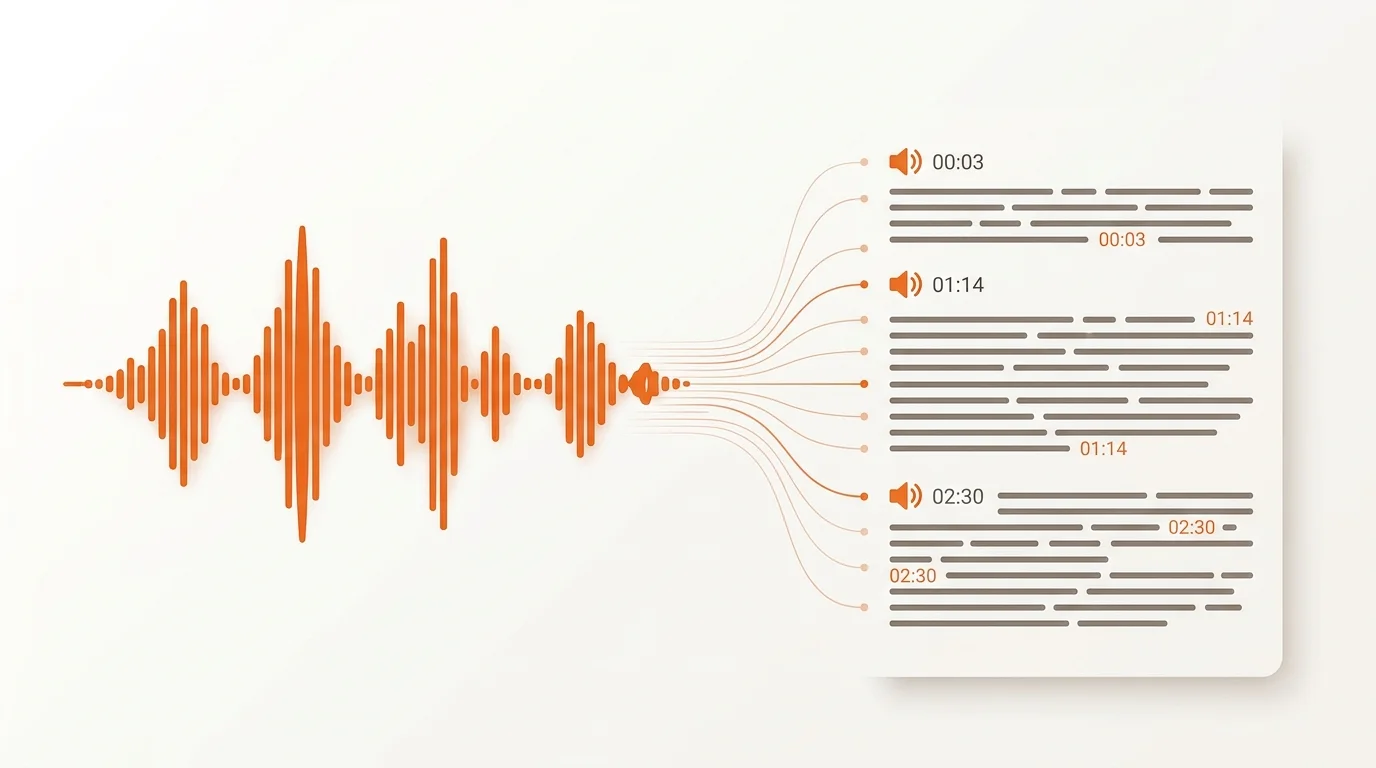
Transcribing by hand means hours of rewinding and pausing. Transcribing audio and video to text with AI does the same job in minutes: upload a recording of a meeting, an interview, or a clip — and get finished text with speakers separated and time codes attached. Let's look at how it works and where it helps.
What automatic transcription can do
- Turns speech into text — from an audio or video file.
- Separates speakers — who said what in a dialogue or a meeting.
- Adds time codes — so you can quickly find the right moment in the recording.
- Prepares a basis for subtitles — text with timing to match the video.
How to transcribe a recording: the steps
1. Upload the file
Open the transcription tool and upload audio or video. The cleaner the sound, the more accurate the result — background noise and interruptions lower recognition quality.
2. Wait for processing
The neural network recognises the speech and marks up the remarks. Long recordings are processed in the background, so you do not have to keep the window open.
3. Proofread and fix
Check names, terms, and doubtful passages by hand — automatic speaker separation is close to ideal, but it needs correction on interruptions and poor sound. Where the system is unsure, it honestly marks a participant as "Speaker 1", "Speaker 2".
4. Export the text
Export the finished transcript as text or as a basis for subtitles under your video.
Where this helps
- Meetings: minutes without taking notes by hand.
- Interviews and podcasts: a quick way to turn a conversation into an article or quotes.
- Subtitles: text with timing for videos on YouTube and social media — which also boosts accessibility and views without sound.
- Content from video: one clip is easily turned into a post, a newsletter, and a blog note.
Pairing with voice-over
Transcription and text-to-speech work well together: recognise an interview, edit the text — and, if needed, voice an audio version in a different voice. That way a single recording yields several content formats at once.
Conclusion
Automatic audio-to-text transcription saves the most valuable thing — hours of routine. Upload a single recording, judge the accuracy on your own material, and build transcription into your usual workflow.
Try it yourself — a free starter character pack when you sign up.